
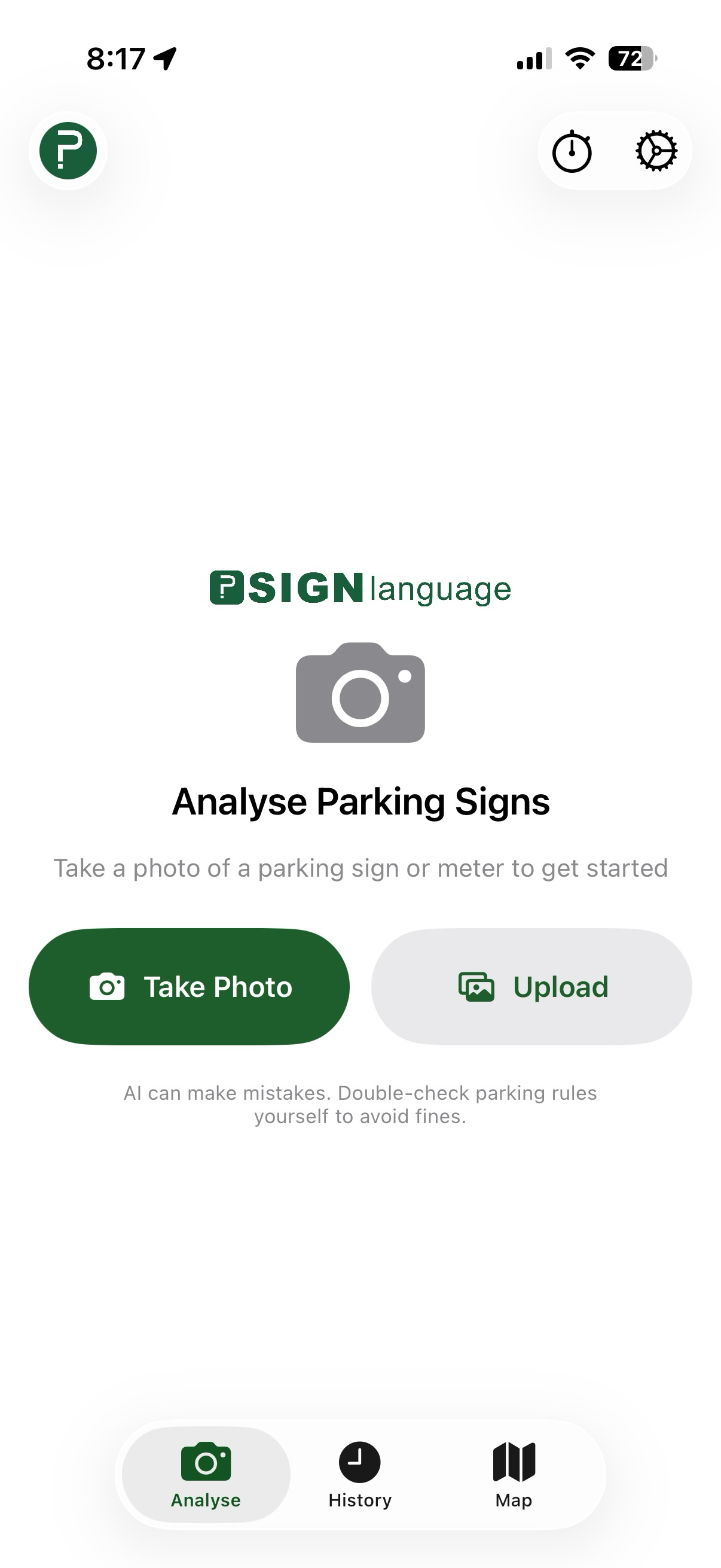
Take a photo of any Australian parking sign and get instant AI analysis of all parking rules, rates, and time limits.
Perfect for locals and tourists. Save your parking history with locations and set timer alerts so you never overstay.

Everything you need to park with confidence
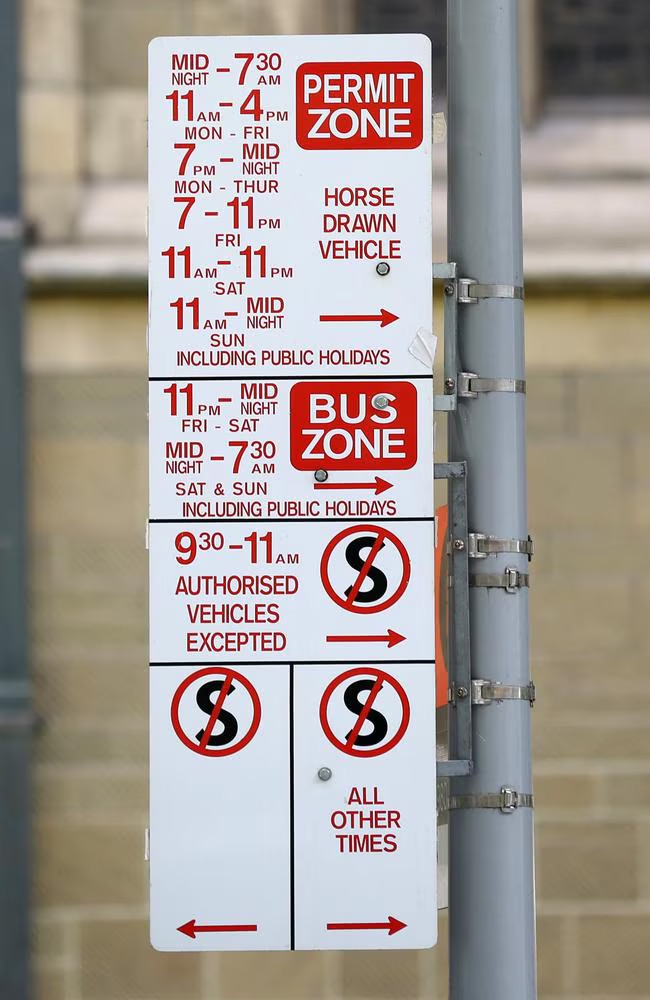
Snap a photo of any parking sign with your camera
Claude AI instantly decodes time limits, rates, and restrictions
Set parking timers with alerts before time expires, a Live Activity on your Lock Screen and +15 min when you need it
Save spots with location data and view them on a map
Review all past parking analyses anytime
Anonymous contributions help all users. Add community signs to your map and star your favourites
A clear answer first, then all the detail
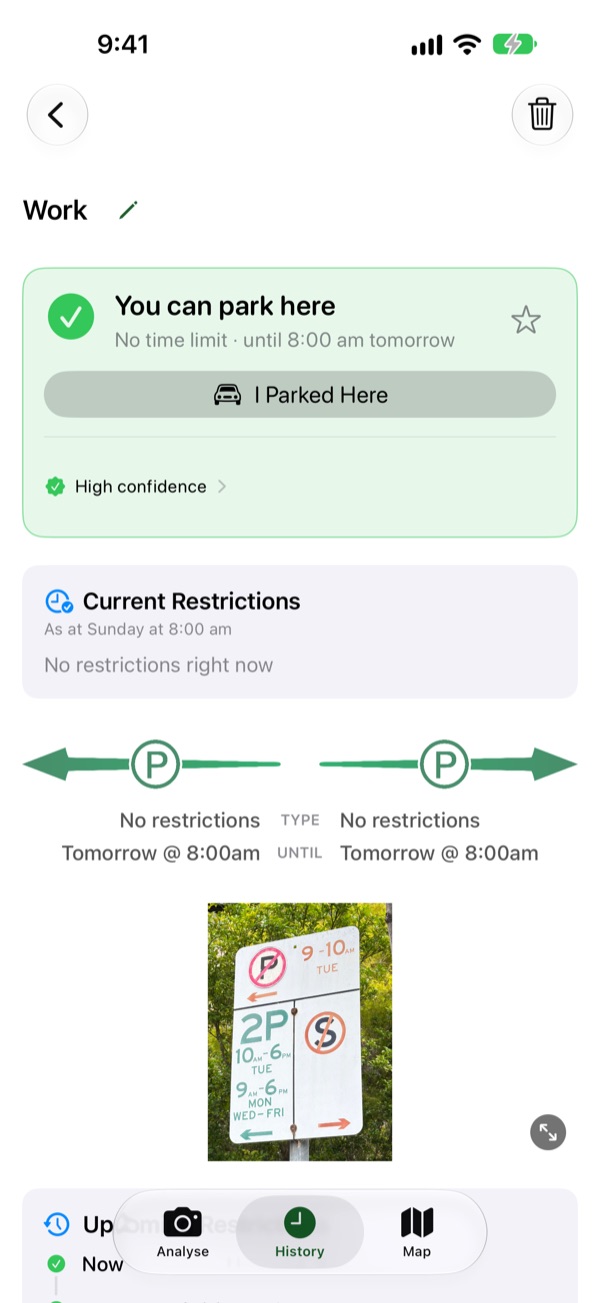
Every analysis opens with a "Can I park here?" card: the verdict, the time limit and when it changes, with a favourite star right there, plus Set Timer and I Parked Here on the Everyday plan.
Current restrictions are one line each, upcoming changes are a short timeline, and the confidence level is spelled out, with a warning when it is Low or Medium.
Signs that say no parking only under certain conditions, such as school days, show in amber as Conditions apply rather than red, on the sign and on the map.
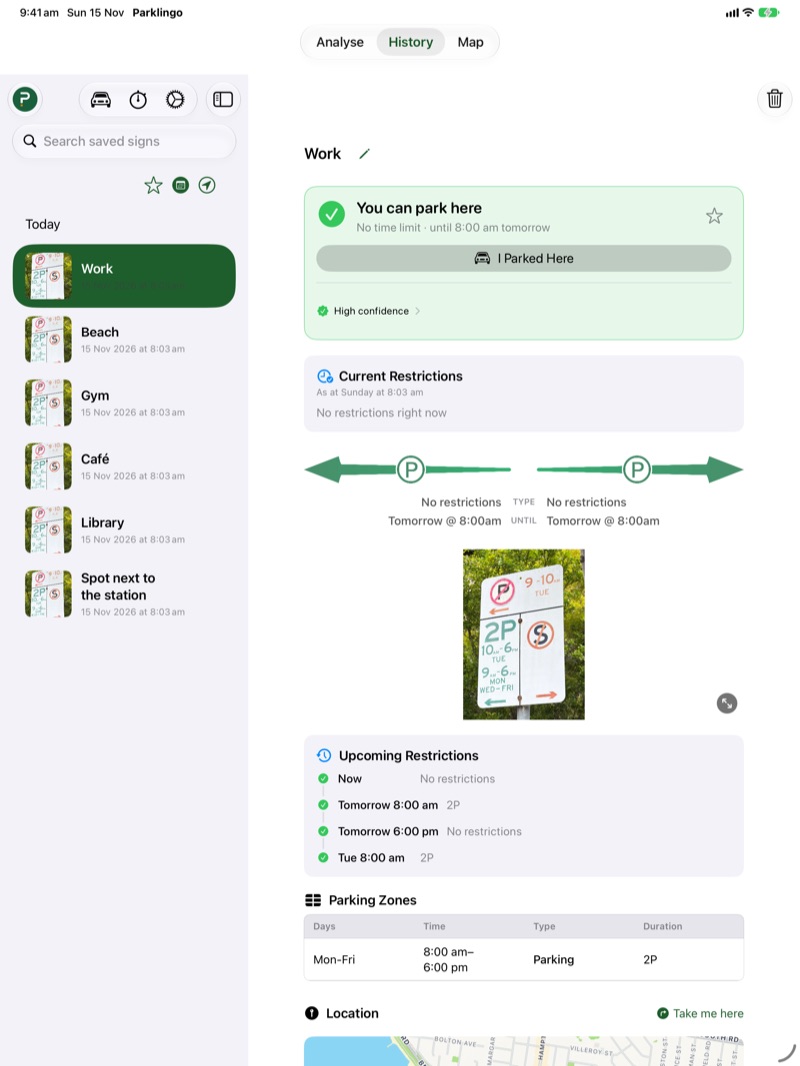
Parklingo also runs full screen on iPad, with your history beside the selected sign and a side panel on the map.
Use Parklingo without opening it
Say "Analyse a sign in Parklingo", "Park for 2 hours in Parklingo" or "Extend my parking in Parklingo". Ask "Where did I park with Parklingo" for the address, time and a map, or save your car's spot with your voice. Siri and Spotlight also find your saved signs.
Look up a parking sign with your iPhone camera to see if you can park there now, then tap through to the full analysis in Parklingo.
Add Analyse Sign, Parking Timer or Where Did I Park to Control Center, the Lock Screen or the Action button.
See your favourite and nearby spots on the car display. With Everyday, start a timer and mark where you parked.
Built to be easy to use, wherever you are from
English, Deutsch, Español, Français, Italiano, 日本語, Русский and 简体中文. Times and durations follow your language too.
Buttons, map pins, restrictions and timer controls are labelled and read out in your language, and Reduce Motion is respected.
Start free, upgrade when you need more
5 sign checks a month, plus community spots.
15 sign checks a month, plus parking timers, Live Activities and saving your parking location.
50 sign checks a month, plus everything in Everyday.
Get parking info in seconds
Point your camera at any parking sign or meter and snap a photo
Claude AI reads the sign and extracts all parking rules, rates, and time limits
See organized parking restrictions, current rules, and upcoming changes
Save the spot to history with location, and optionally set a timer alert
Join thousands of drivers across Australia who never have to worry about confusing parking signs again
Free to download • Available worldwide • Requires iOS 27+
AI analysis is for informational purposes only. We are not liable for parking fines or other consequences. Always verify with official sources. See Terms of Service.