Press Kit
Everything you need to write about Parklingo. Logos, the app icon and screenshots on this page can be used in coverage of the app.
In Short
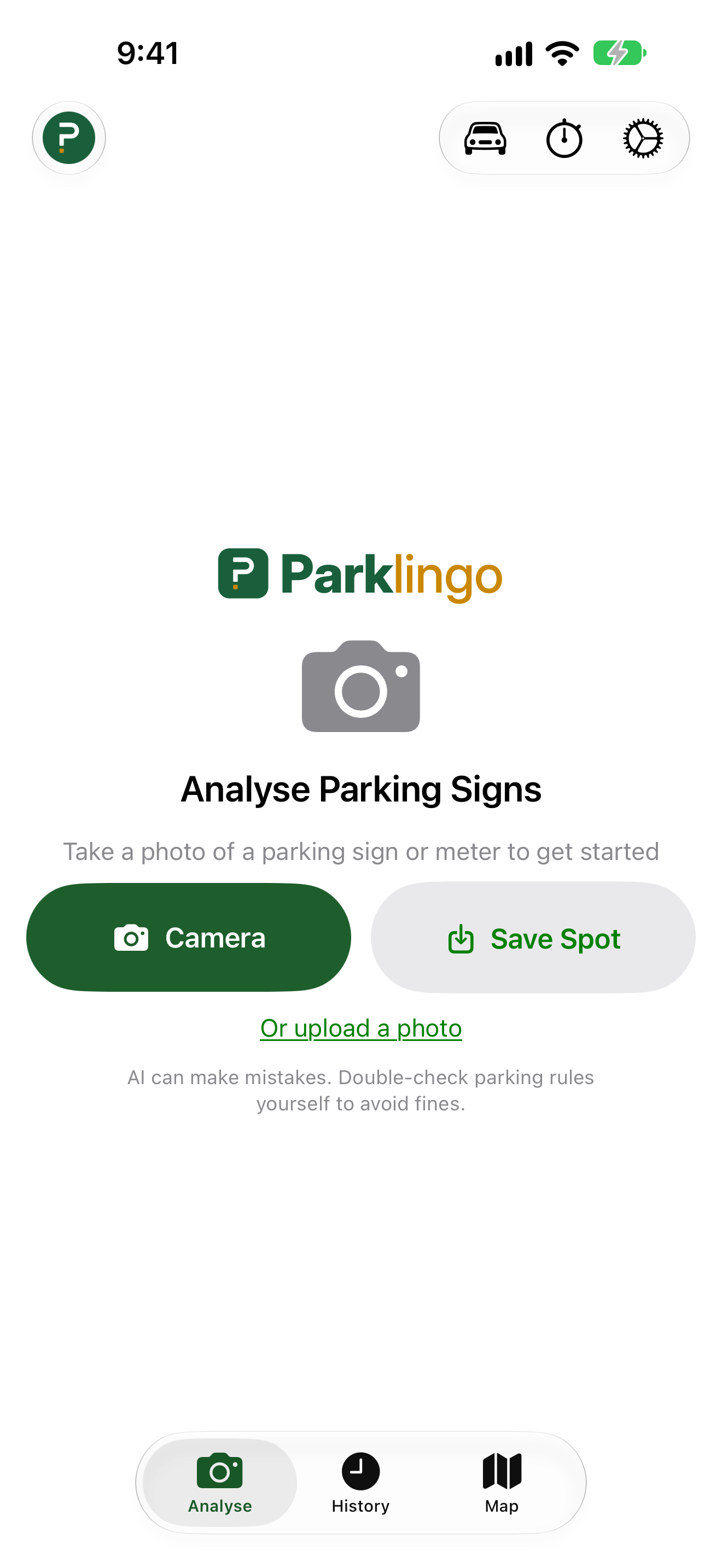
Parklingo is an Australian iPhone app that reads a photo of a parking sign and explains, in plain words, whether you can park now, until when, and what's next.
About Parklingo
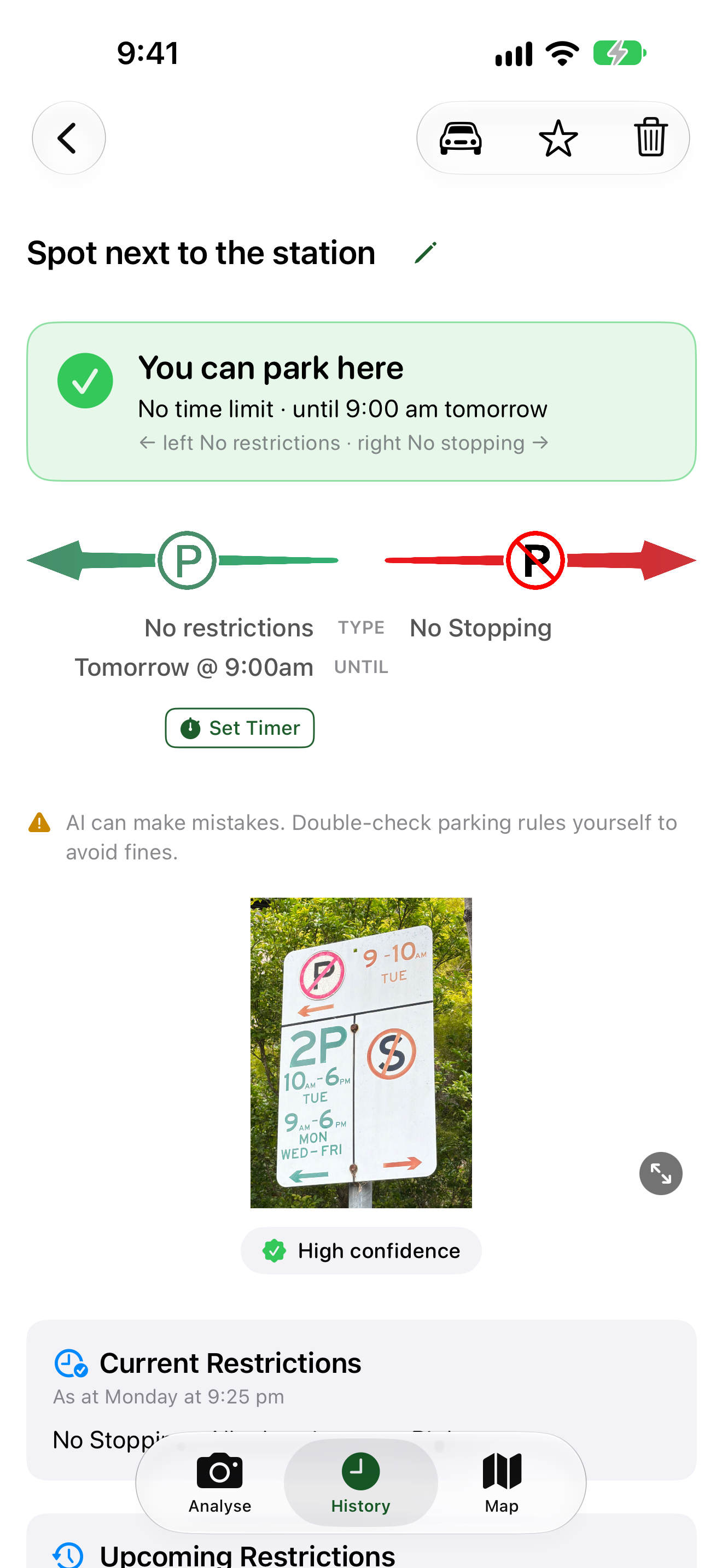
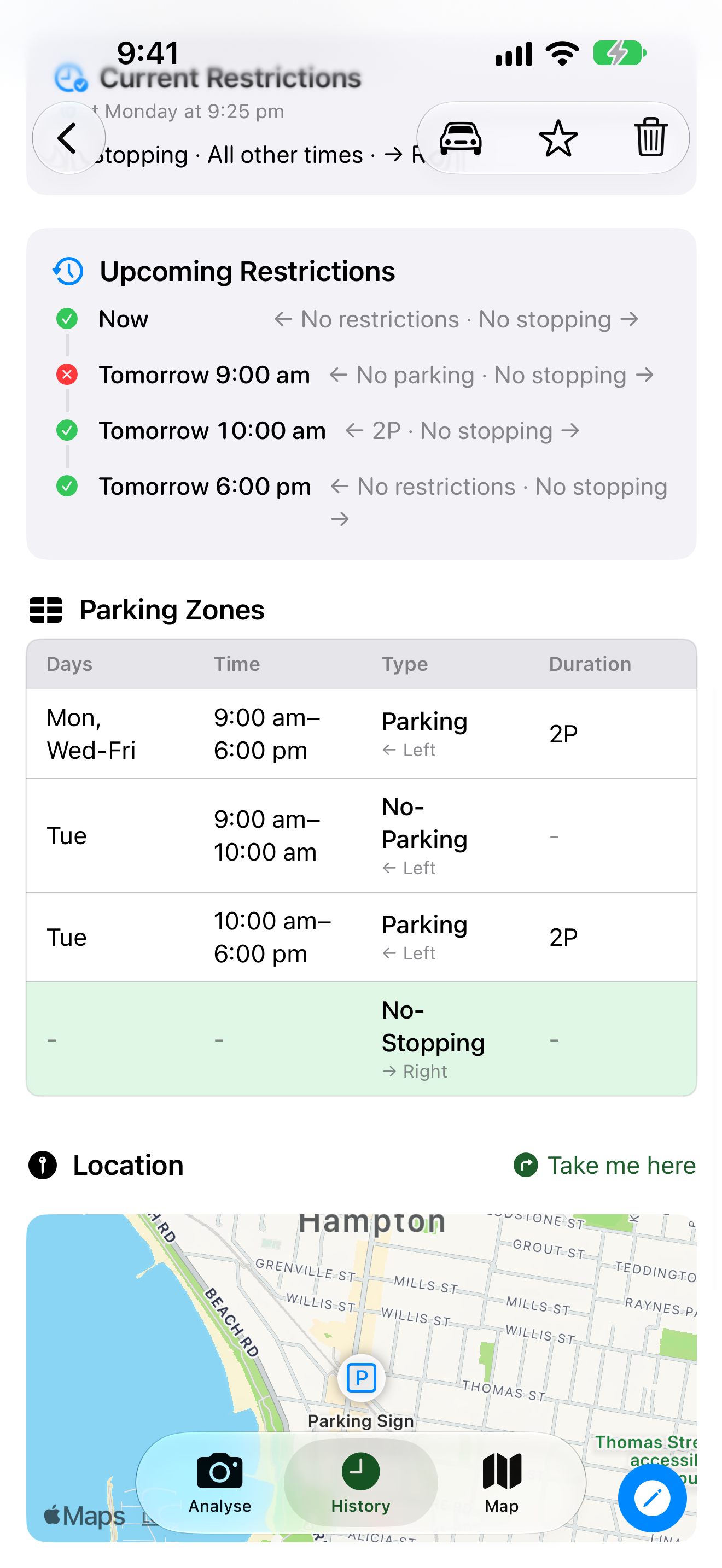
Stacked parking signs are hard to read at a glance. Point your iPhone at one and Parklingo reads it with Claude, the AI model from Anthropic, then opens with a "Can I park here?" card: the verdict, the time limit and when it changes. Below that are the current and upcoming restrictions, laid out plainly.
On the Everyday plan you can set a parking timer from the sign, follow it on the Lock Screen and in the Dynamic Island, and save where you parked. Signs you check are saved to your history and the map, alongside spots shared by the community.
Parklingo works with Siri, Shortcuts and CarPlay, runs full screen on iPad, and is available in eight languages, so visitors to Australia can read local signs in their own language.
Fact Sheet
| Name | Parklingo (one word, capital P only) |
|---|---|
| App Store name | Parklingo - Parking Decoder |
| Developer | Madhouse Development (Melbourne, Australia) |
| Platforms | iPhone and iPad, iOS 27 or later. Made for iPhone Duo. Works with CarPlay |
| Signs | Australian parking signs |
| Languages | English, German, Spanish, French, Italian, Japanese, Russian and Simplified Chinese |
| AI | Signs are read by Claude, from Anthropic. Needs an internet connection |
| Price |
|
| Key features |
|
| Privacy | Sign photos, locations and results are uploaded to analyse the sign. See the Privacy Policy |
| App Store | apps.apple.com/au/app/id6757208125 |
| Website | parklingo.app |
The analysis is for information only. Drivers should always check the sign themselves.
Screenshots
Plain screens with no marketing captions. Click an image to download the full-size PNG.
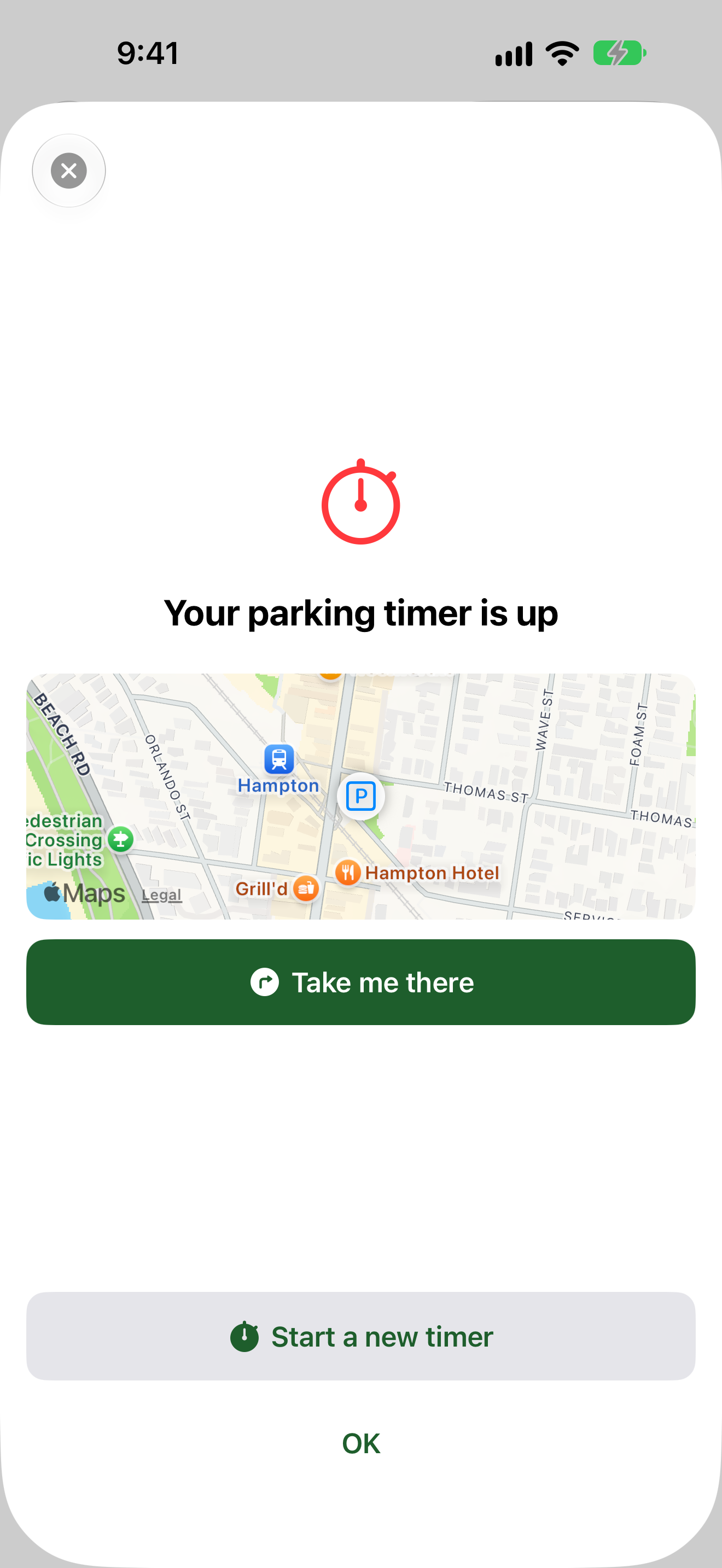
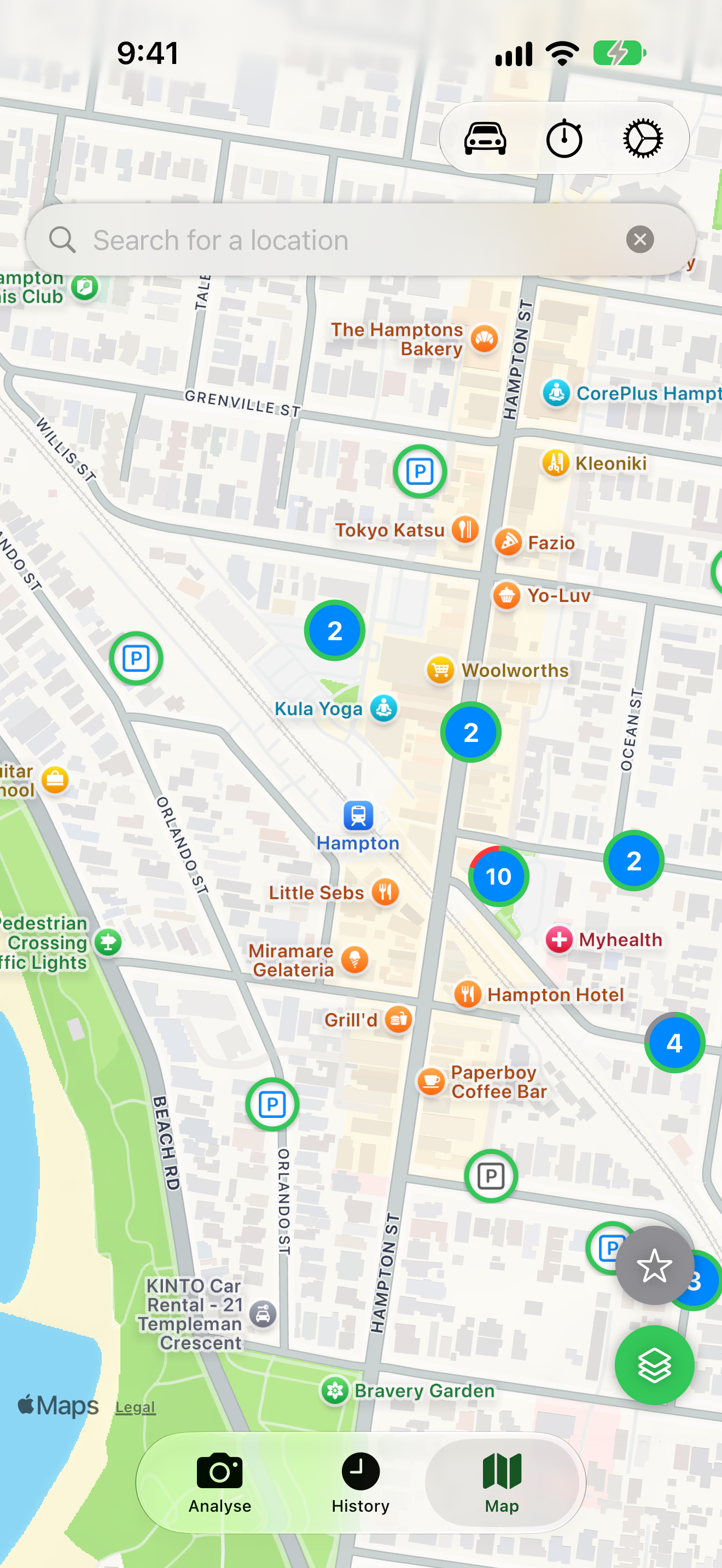
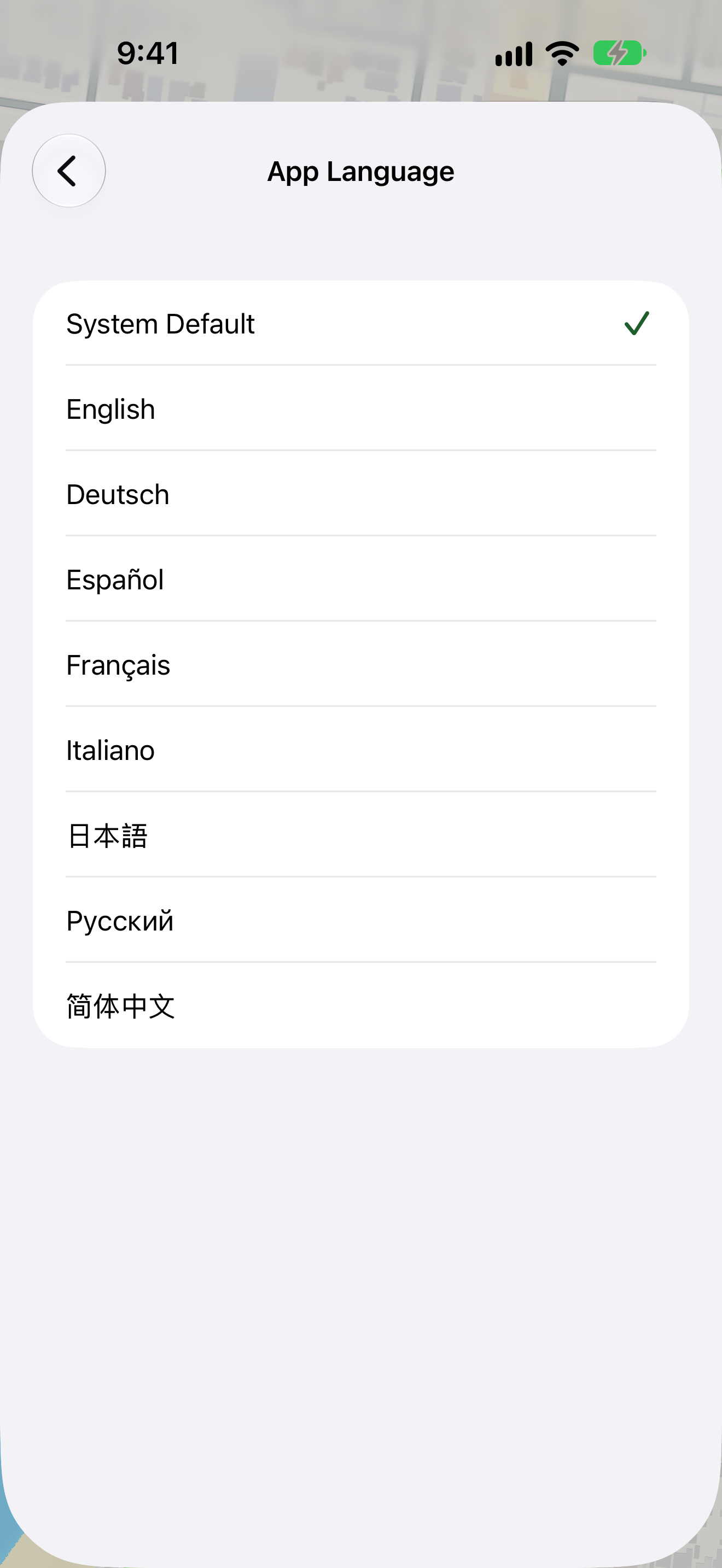
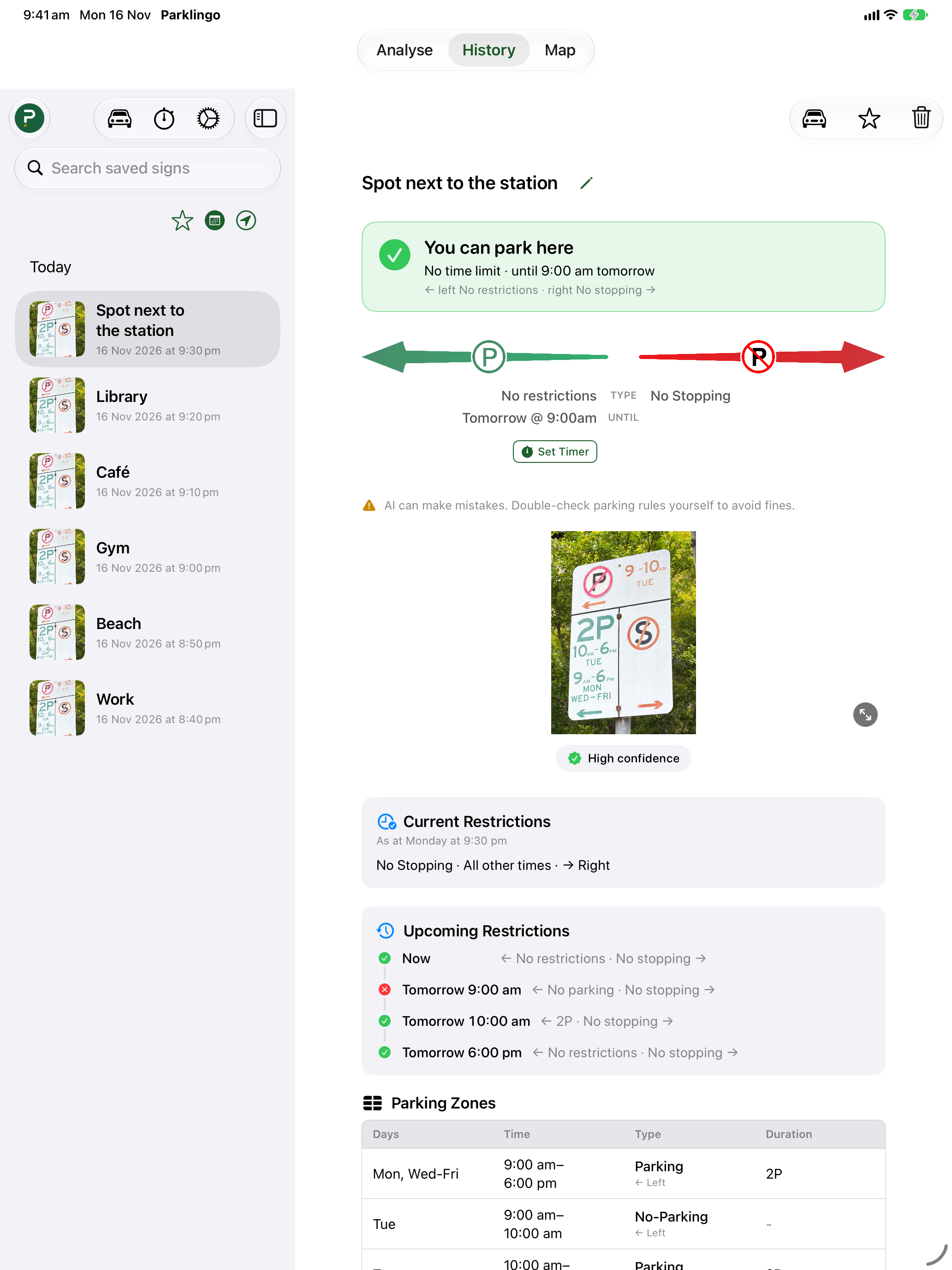
Header Image
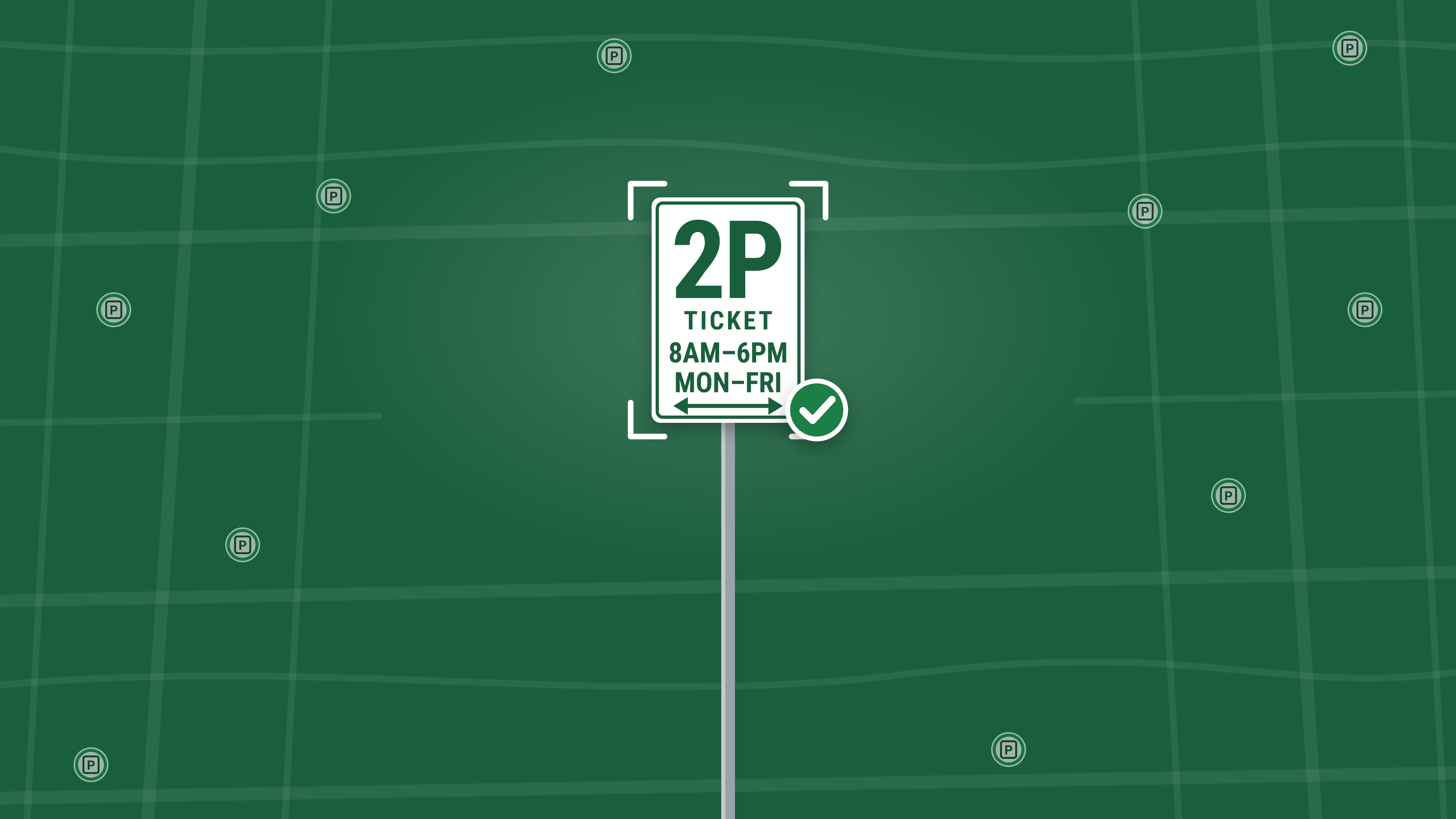
Download (PNG, 5244 × 2950). No text, so you can add your own headline.
App Icon and Logos
Please use these files as they are, without redrawing or recolouring them.







Brand
Write the name as Parklingo: one word, capital P only.
Brand green
#1A5F3C
Light green
#5FCF95
Deep amber
#CA8700
Amber
#FFC53D
Media Contact
For interviews, review questions or more images, get in touch.
Email: [email protected]